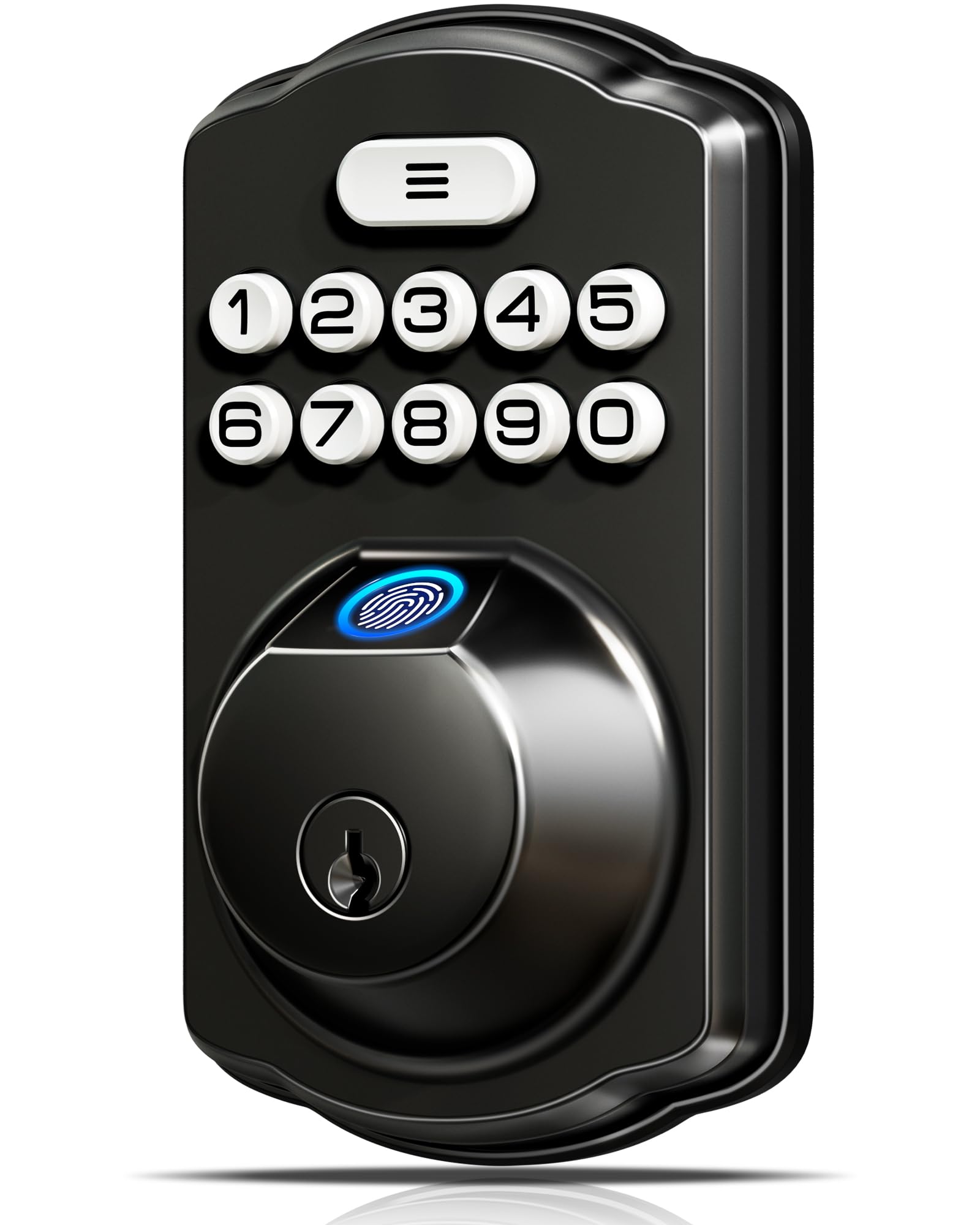
Best Overall
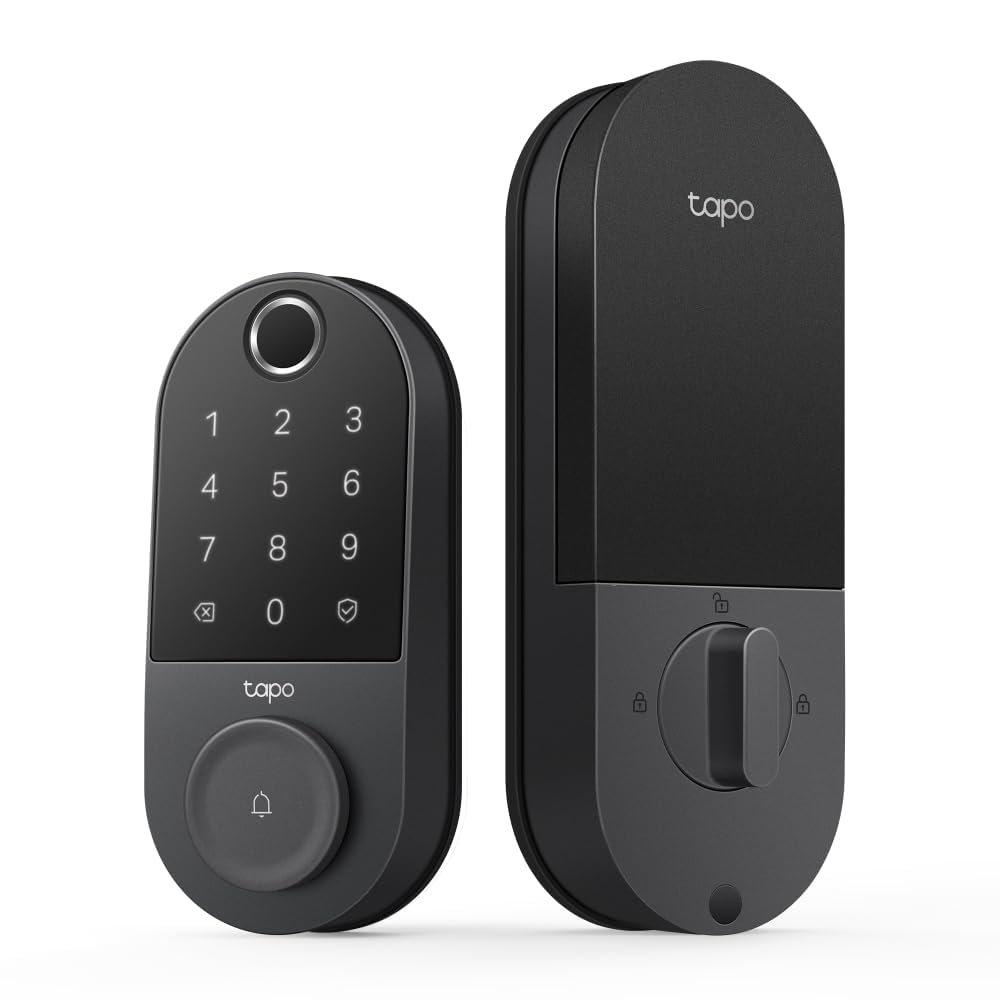
Tapo DL110 Smart Lock
- Power
- Rechargeable, 1 year, USB-C
- Unlock Methods
- Fingerprint, code, app, key
- Security Rating
- BHMA Grade 2
- Fingerprint Capacity
- Up to 100 prints
Pros
- Rechargeable pack, no AA batteries to buy
- Built-in Wi-Fi, so no hub or bridge
- Fingerprint sensor stores up to 100 prints
- BHMA Grade 2 rated
Cons
- Costs the most of any lock here
- Auto-lock runs on every close, with no schedule
The DL110 is the lock we recommend first, and the reason is the most boring thing about it: a removable rechargeable pack instead of a drawer of AAs. Tapo rates it for a year and it charges over USB-C, and the hardware underneath carries a BHMA Grade 2 rating — a step above the Grade 3 bodies several locks here use.
Then there's the part you'll actually use. The fingerprint sensor takes up to 100 prints and Tapo quotes 0.42 seconds to unlock, which is the difference between fingerprint entry feeling like a convenience and feeling like a party trick. Wi-Fi is built in, so there's no bridge to plug in, and the app handles resident codes, one-time codes, and scheduled access for a cleaner or a dog walker. If you already run Tapo cameras or plugs, it lands in the same app as everything else.
A year per charge changes your routine: no battery drawer, just a cable once a year. Two things to know before you switch it on. Auto-lock fires every time the door closes and there's no schedule for it, so a house where kids go in and out all afternoon should think about the timing first. And there's no auto-unlock as you walk up — you still put a finger on the sensor. Neither is a dealbreaker next to the price, which is the highest here. What the money buys is a front door that doesn't need babysitting.
Bottom line: The lock we recommend first for a front door: fingerprint, keypad, and app entry, a rechargeable battery, and Grade 2 hardware, for the household that wants all of it.
Check Latest Price